An album can take months to make, then pass through a listener’s feed in seconds. A Bandcamp listening party offers a different kind of invitation: choose a time, listen together and talk about the songs while they play. You do not need to turn it into a complicated video production.
This Bandcamp listening party checklist helps independent artists prepare a useful, welcoming event. The platform details were checked against official Bandcamp guidance on 20 October 2026. The hosting and promotion ideas are our practical suggestions, not promises of attendance or sales.
1. Check that your album is ready for the format
Bandcamp describes Listening Parties as free, audio-only events. Anyone with the event link can listen, while some interactions need a free fan account. The album starts automatically and plays through in order. This is a shared album listen, not a live performance or a video call.
Read Bandcamp’s explanation of Listening Parties
You can schedule one for a public album, including a pre-order. Standalone tracks, private albums and subscriber-exclusive albums are not eligible. Albums must be shorter than 24 hours. Check the actual album page before planning your invitation.
The important detail for an unreleased record is that all published album tracks will play, including bonus tracks and tracks that are not streamable on its normal page. Listen through the complete running order and confirm you are ready to share everything included.
2. Choose a reason to gather, not just a date
Decide what makes this listening session worth putting in a diary. It could be a first listen before release, an anniversary of an older album, or a chance to explain how a record came together. An older project can still support a thoughtful event if you have a real reason to revisit it.
Write a plain one-sentence invitation before you make artwork. For example, a fictional artist might say: ‘Join us to hear the album together and ask about the home recordings behind it.’ Avoid calling it an exclusive premiere if people can already hear the record elsewhere.
Pick a time when you can actually stay and respond. Check your own commitments, the album’s running time and the time zones of the people you hope will come. Put the date, time and time zone clearly in your invitation rather than assuming everyone lives near you.
3. Schedule it and preview the event
Bandcamp’s setup guide points artists to the schedule listening party option in the album editor. Enter the event information, then use the preview to check the result before sharing it. Only one event per album can be scheduled at a time.
Follow Bandcamp’s Listening Party setup guide
Read the description as someone who has never visited your page. Does it explain which album you will hear, why you are hosting and what kind of conversation to expect? Keep it friendly and concrete. Do not bury the useful details under a long biography.
Save the final event link in your release notes and test it before copying it into posts. Check the album title, artwork and event details together. Ask a bandmate to read the invitation if you have been staring at it for too long.
4. Finish the audio checks early
You cannot pause, skip or stop tracks during the party. Bandcamp recommends uploading or updating audio at least two hours before the start to allow processing. Treat that as a minimum platform recommendation, not your ideal deadline for final creative decisions.
Check Bandcamp’s Listening Party FAQ
Our suggestion is to finish the running-order check well before event day. Use headphones, then listen at a comfortable level on another speaker if available. Confirm you uploaded the intended versions, not similarly named demos or exports. Keep a clear final-files folder so a last-minute mistake is less likely.
Do not promise a rearranged setlist or a surprise track unless you have checked what the event can actually play. If you want to discuss an alternative version, explain it in the conversation rather than suggesting you can interrupt the album playback.
Use The Hubb’s Bandcamp release checklist before inviting listeners
5. Prepare a few notes, then leave room for people
You do not need a script for every second. Make a small note for a few tracks: a recording detail, a lyric you changed, a sound you nearly removed, or a question you genuinely want to ask. Use things you know first-hand and are comfortable sharing publicly.
For example, you might ask which instrument someone noticed first or explain why the quietest song sits in the middle. These prompts should open a conversation, not test whether fans understood your work correctly. Let people listen without having to reply.
Keep private collaborators’ details and unfinished disagreements out of the chat. If you tell a story involving another person, make sure you have permission to share it. Give credits generously and keep the conversation centred on the music.
6. Share a small, clear invitation plan
We suggest preparing three different messages: an early invitation with the album’s story, a reminder with the date and time zone, and a short event-day message with the working link. Change the angle rather than posting the same sales caption repeatedly.
Show an appropriate album image or a behind-the-scenes detail you have permission to publish. Make the event link easy to find. You can invite people who already asked about the record, but avoid repeatedly sending personal messages to people who have not shown interest.
Keep expectations sensible. A small group having a good conversation can still make the evening worthwhile. Do not buy attendance, invent demand or describe the party as nearly full without evidence.
Fit your invitations into The Hubb’s four-week release plan
7. Host, thank people and record what you learn
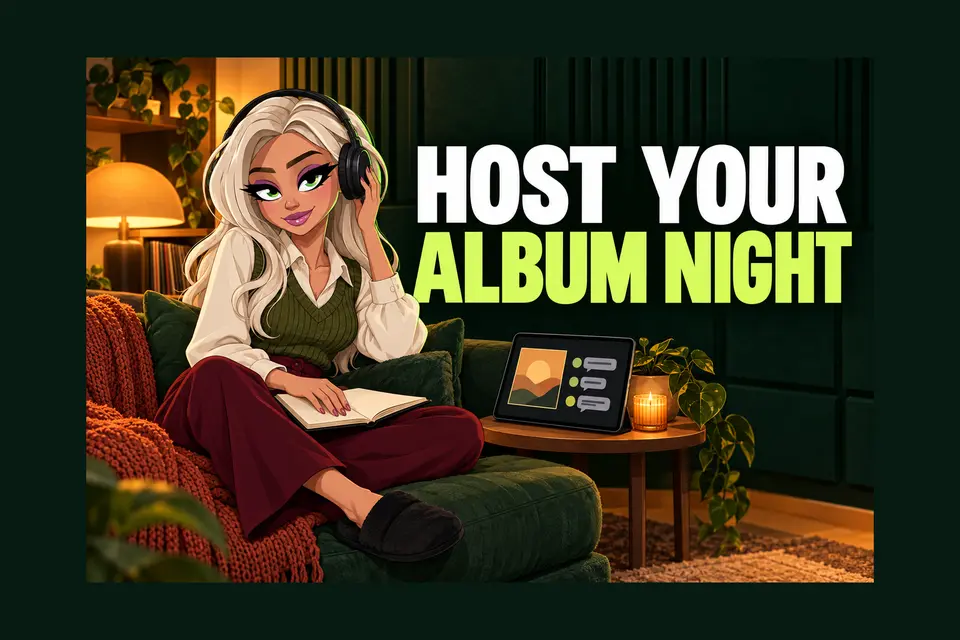
Arrive early enough to check your connection and open your notes. Welcome people, explain the format briefly and let the music have space. Bandcamp says chat stays open for an hour after the album finishes, so you can leave time for questions without talking over the final song.
Afterwards, thank people without naming individual attendees or sharing chat screenshots without permission. Note the questions that came up, which stories helped and what you would change. Interest in a track is useful feedback, but one evening does not measure your whole music career.
Your short pre-party checklist
- Check the full album, including published bonus tracks.
- Choose a genuine reason to gather and a clear time zone.
- Preview the event and test the saved link.
- Finish audio changes early and prepare a few honest stories.
- Leave time to welcome people and answer questions afterwards.
Start with a manageable event you can host with care. The aim is to give your album time, context and a human welcome, not to turn listening into another pressure-filled campaign.